Your Files.
Simplified.
Powerful tools to convert, compress, merge, split, and manage your files — all in one simple place.
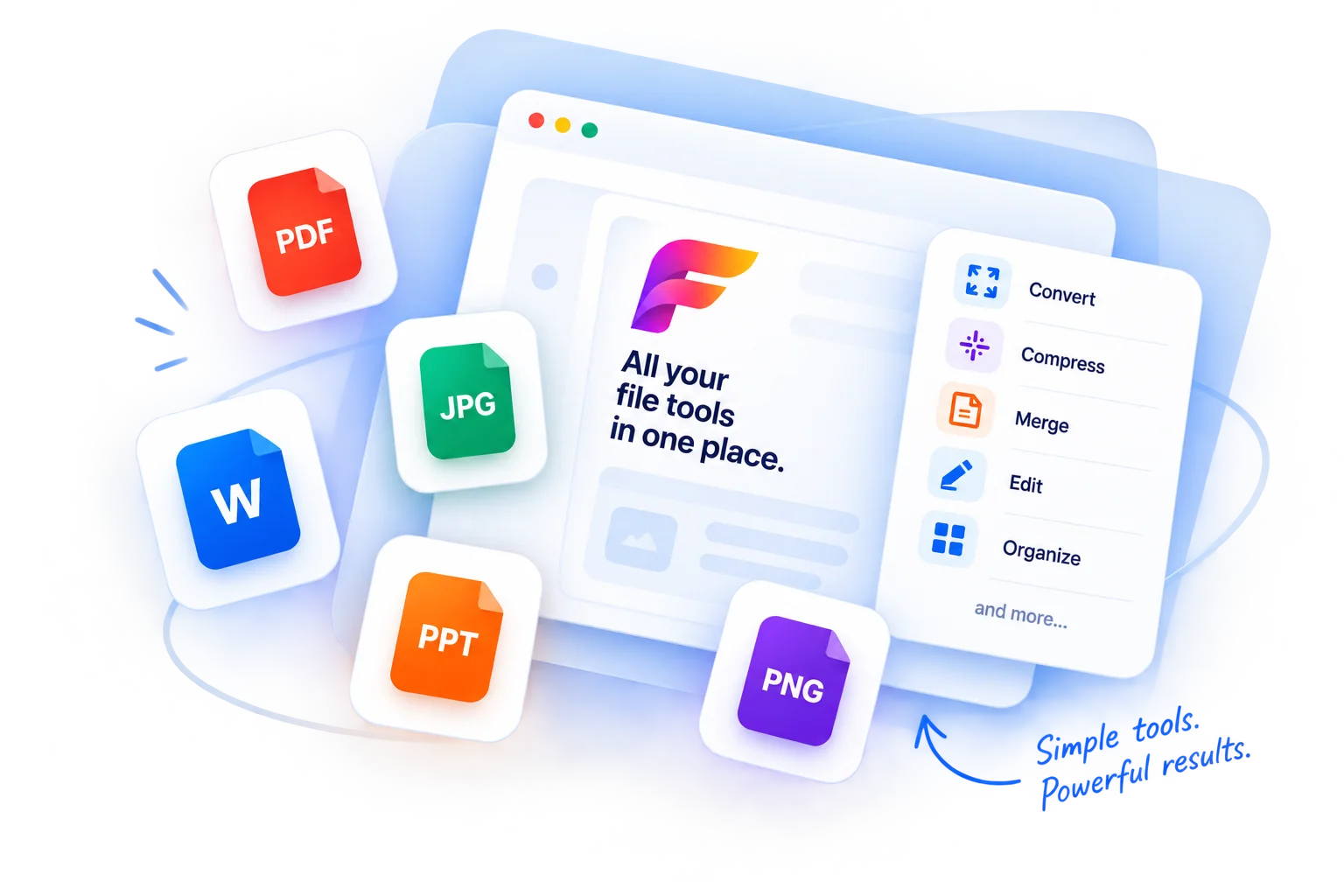
All tools
Simple tools for the file tasks you do most.
Compress PDF
Reduce the size of your PDF without losing quality.
Merge PDF
Combine multiple PDFs into one clean file.
Split PDF
Extract pages or split a PDF into separate files.
JPG to PDF
Turn images into polished PDF documents.
PDF to Word
Convert PDF documents into editable Word files.
PDF to Excel
Turn PDF tables into editable Excel sheets.
Word to PDF
Convert Word documents into easy-to-share PDFs.
Excel to PDF
Turn spreadsheets into clean, printable PDFs.
PowerPoint to PDF
Turn slides into a PDF that looks the same everywhere.
PDF to JPG
Save every page of your PDF as a high-quality JPG image.
PDF to PNG
Save every page of your PDF as a high-quality PNG image.
PDF to PDF/A
Convert PDF to PDF/A for long-term archiving.
Compress Image
Make images smaller while keeping them looking sharp.
JPG to PNG
Convert JPG and JPEG images to PNG format.
PNG to JPG
Convert PNG images to JPG format.
HEIC to JPG
Convert iPhone HEIC photos to JPG.
Add Page Numbers to PDF
Number the pages of your PDF.
Add Watermark to PDF
Stamp text or a logo over your PDF pages.
Resize Image
Resize, crop and rotate images in a few clicks.
Sign PDF
Draw, type or upload your signature and sign your PDF.
Add PDF Password
Protect a PDF with a password and AES-256 encryption.
Remove PDF Password
Unlock a PDF so it opens without a password.
Remove Watermark from PDF
Find and remove text or image watermarks from your PDF.
PDF OCR
Make scanned PDFs searchable and copyable.
Flatten PDF
Lock forms, comments and stamps into the page.
Delete PDF Pages
Remove the pages you don't need from a PDF.
Organize PDF
Reorder, rotate and delete PDF pages.
Passport Photo Maker
Make passport and visa photos at the right size, ready to print.
Merge ID Card Front & Back
Put both sides of an ID card on one page, ready to print.
Edit PDF
Change text, add images, notes and signatures to your PDF.
Fill PDF Form
Type into PDF form boxes, tick, add the date and sign.
Edit Word Document
Edit text, styles, tables and pictures in your Word document.
Edit Image
Crop, adjust, add text and effects to your photos.
Increase Image Size
Make images bigger in KB for online forms.
Increase PDF Size
Make PDFs bigger in KB for online forms.
Zip Files
Put files and folders into one ZIP.
Unzip Files
Open ZIP, RAR and 7z files online.
Three steps. No account.
FileScape keeps everyday file jobs quick and simple.
Click a step, or pick a tool in the preview.
Where your files go
We tell you exactly where each tool does its work.
In your browser
Your file is processed on your computer or phone and isn't uploaded to our server.
On our server only when needed
Some tools use our server as a backup when a file needs more power than your device has. Your file is deleted as soon as it's done. We don't keep or share it.
Built to be simple and trustworthy
Free, no signup
Every tool is free. No account, no email, no watermark.
Works on any device
Phone, tablet or computer, in any modern browser.
Fast
Most jobs finish in seconds, right on your device.
Built for quality
Text stays editable, layouts stay intact and images stay sharp.
Frequently asked questions
Yes. Every tool is free to use with no signup. We may show ads in the future to keep it that way.
No. Open a tool, add your file and download the result.
Most tools run in your browser, so your file isn't uploaded to our server. Compress PDF and Compress Image only use our server when your device needs help with a very large file. Files sent there are deleted as soon as they're processed.
No. Files sent to our server are deleted as soon as they're processed, and we don't share them.
PDFs and other files up to 50 MB, pictures up to 15 MB.
No. Your files come back clean, with no branding added.
Yes. FileScape works in any modern browser on Android, iPhone, tablets and computers.
The site is available in 10 languages, and PDF to Word can read text in over 25 languages.
Made by a small, independent team
We build FileScape ourselves and keep adding the tools people ask for. If something didn't work or a tool is missing, tell us. Every message is read.